Search Help:
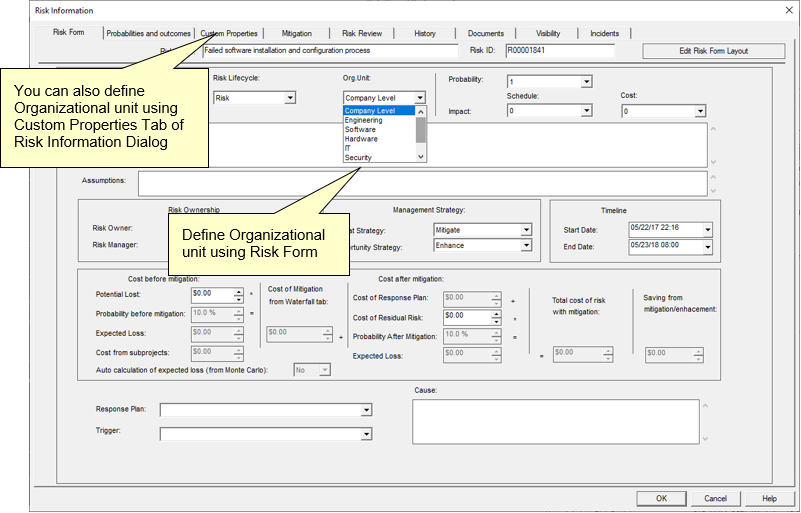
Risk Register and Organizational UnitsThe Risk Register can be filtered based on organizational units. The Organizational breakdown structure is defined in User Management console. Each risk can have organizational unit as a risk property. Organizational Unit risk property is a dropdown l ist defined in User Management dialog. It is possible to assign Organizational Unit properties:
Once Organizational Units are defined, you can filter the Risk Register based on organizational units. The Organizational Units are selected using the drop-down list located at the right top corner of the Risk Register, Risk Matrix, and Risk Trend views. Filtering the Risk Register based on an organizational unit takes into account the Organizational Hierarchy or Organizational Breakdown Structure. For example, if you have Organizational Unit 'Administration' and it has two subunits 'Accounting' and 'HR'. In this case, in the Risk Register, if you select 'Administration' from drop down list, risks that belong the the organization untils 'Accounting' or 'HR' will be shown. If you select “Company Level” from 'Organizational Unit' downdown list, you will be presented with all visible (approved) risks in Risk Register. |